


How to Add Lyrics to an Instagram Reel (Step-by-Step Guide)

Adding lyrics to Instagram Reels turns simple videos into captivating stories that connect instantly with viewers. It enhances mood, highlights emotion, and keeps people watching longer.
With just a few taps, anyone can sync song lyrics perfectly with their clips using Instagram’s built-in tools.
This quick, creative feature not only boosts engagement but also helps content stand out in the feed, making every Reel feel more expressive and memorable.
TL;DR
Adding lyrics to Instagram Reels is simple: record or upload a clip, tap the music icon, choose a song with lyrics, customize style and color, sync timing, then post. It’s the easiest way to make Reels more expressive and engaging.
Why Add Lyrics to a Reel?
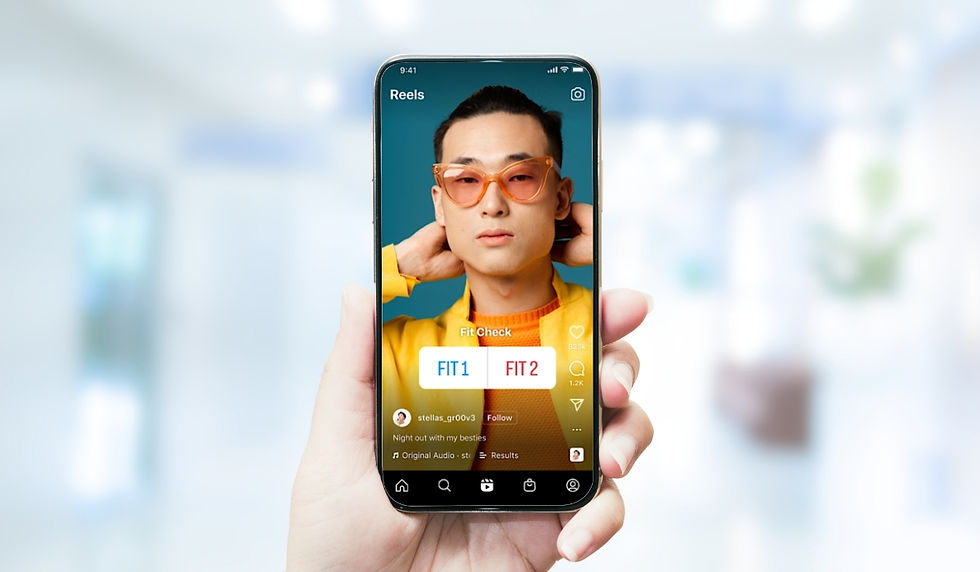
Lyrics grab attention. They help viewers instantly connect with the tone of the video happy, emotional, or funny. With Instagram’s built-in music and lyrics feature, anyone can display the exact words of a song in perfect sync with the beat. It’s not just about visuals anymore; it’s about feeling the vibe.
Step 1: Open Instagram and Start a Reel
The process begins inside the Instagram app:
Tap the + icon at the bottom of the screen.
Select Reel from the menu.
Record a new video or upload a clip from the phone’s gallery.
Tip: For better results, shoot short, visually engaging clips. Instagram Reels work best when the content feels snappy and dynamic.
Step 2: Add Music
Now comes the fun part adding a track.
Tap the Music icon on the left side of the screen.
Browse trending sounds or search for a specific song using the search bar.
Look for songs with a small “Aa” or “Lyrics” label. This means Instagram supports synchronized lyrics for that track.
If the selected song doesn’t have that label, the lyrics won’t appear automatically. Choosing the right track is key to getting that perfect, professional-looking sync.
Step 3: choose the Section and Enable Lyrics
After selecting a song, Instagram shows a timeline view of the track.
Drag the slider to pick the exact part of the song you want to use.
If lyrics are available, they’ll appear instantly on the preview screen.
Swipe to explore different font styles and animation options like typewriter, fade, or karaoke-style scrolling text.
You can also change the color to match your aesthetic and resize or move the lyrics anywhere on the screen using pinch gestures.
Pro Tip: Keep the lyrics aligned with your subject’s face or a blank space in the video for better readability.
Step 4: Adjust Timing for Perfect Sync
Even if the lyrics auto-sync, a few adjustments can make a big difference.
Tap and hold the lyrics to drag them to the right timing.
Use the scissors icon or the timeline editor to trim the section of music.
Watch the preview several times to make sure the lyrics match every beat or mouth movement.
Creating a professional-looking Reel often comes down to this small detail—smooth transitions and perfect timing.
Step 5: Finalize and Post
When everything looks right:
Tap Done in the top-right corner.
Add filters, stickers, or text if desired.
Tap Next, write a catchy caption, and include a few hashtags such as:
Finally, hit Share to post your Reel to your feed or story.
Bonus: Customizing Lyrics for Style
Here’s a quick reference for styling lyrics effectively:
Customization Option | Description | Best Use Case |
Font Style | Choose from classic, bold, or animated | Match mood—bold for upbeat songs, cursive for romantic ones |
Color | Change to match background or outfit | Use contrast for easy readability |
Placement | Move lyrics anywhere on the screen | Keep them away from the main subject |
Animation | Fade-in, bounce, or karaoke style | Adds rhythm and flow to lyrics |
Small styling tweaks help make Reels look more professional and visually balanced.
Alternative: Using Third-Party Apps
If a song doesn’t have lyrics in the Instagram library, users can still add them using third-party tools. Apps like CapCut, InShot, or VN Editor allow users to manually insert and sync lyrics before uploading to Instagram.
Steps in short:
Import video and add the desired song.
Type out lyrics manually or import a lyric file.
Adjust timing and export the video.
Upload to Instagram as a Reel without using the built-in music option.
This method gives full creative control great for artists, creators, or anyone using original audio.
Final Thoughts
Adding lyrics to Instagram Reels is a quick yet powerful way to elevate content. It helps tell a story, enhances emotion, and keeps viewers watching till the end.
With just a few taps selecting a Reel, adding music, enabling lyrics, and customizing the look anyone can create content that feels polished and professional.
The secret? Keep it simple, sync perfectly, and let the lyrics bring your story to life.


Comments